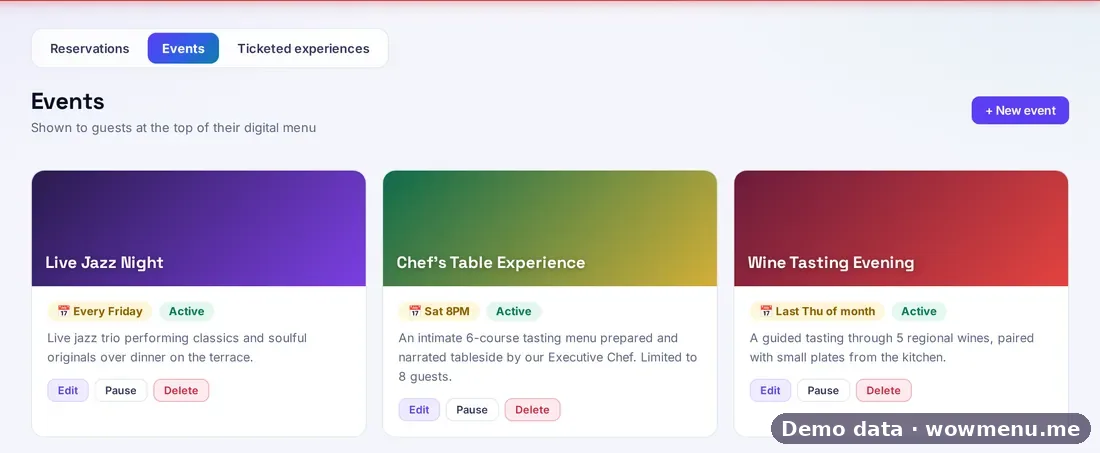
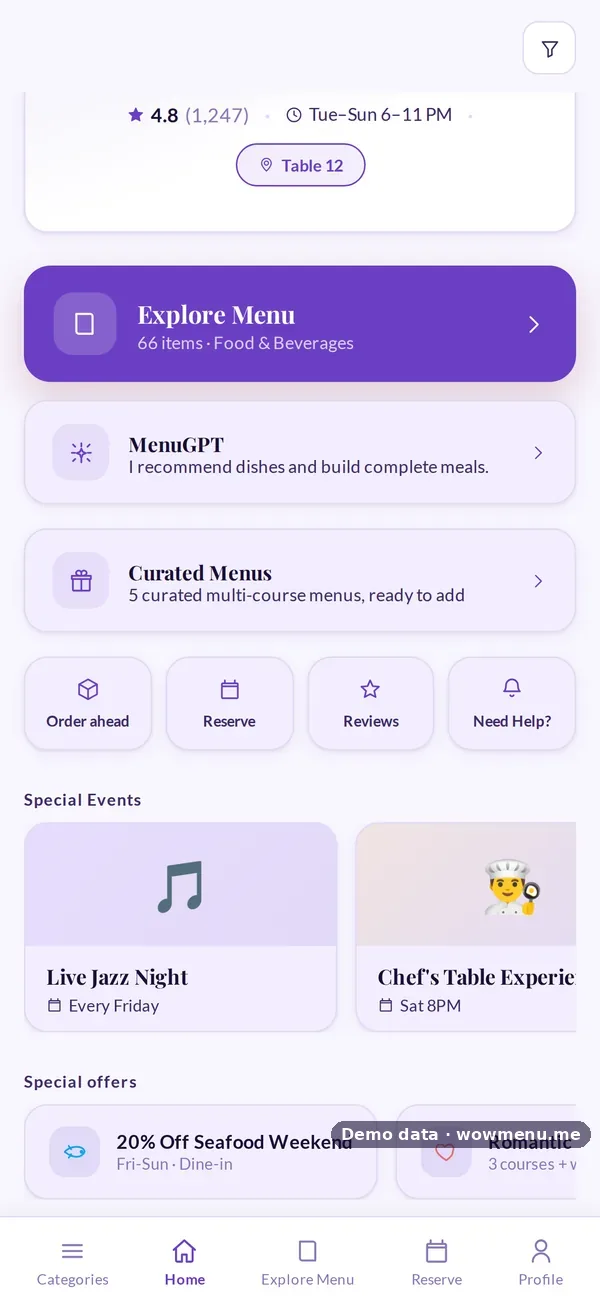
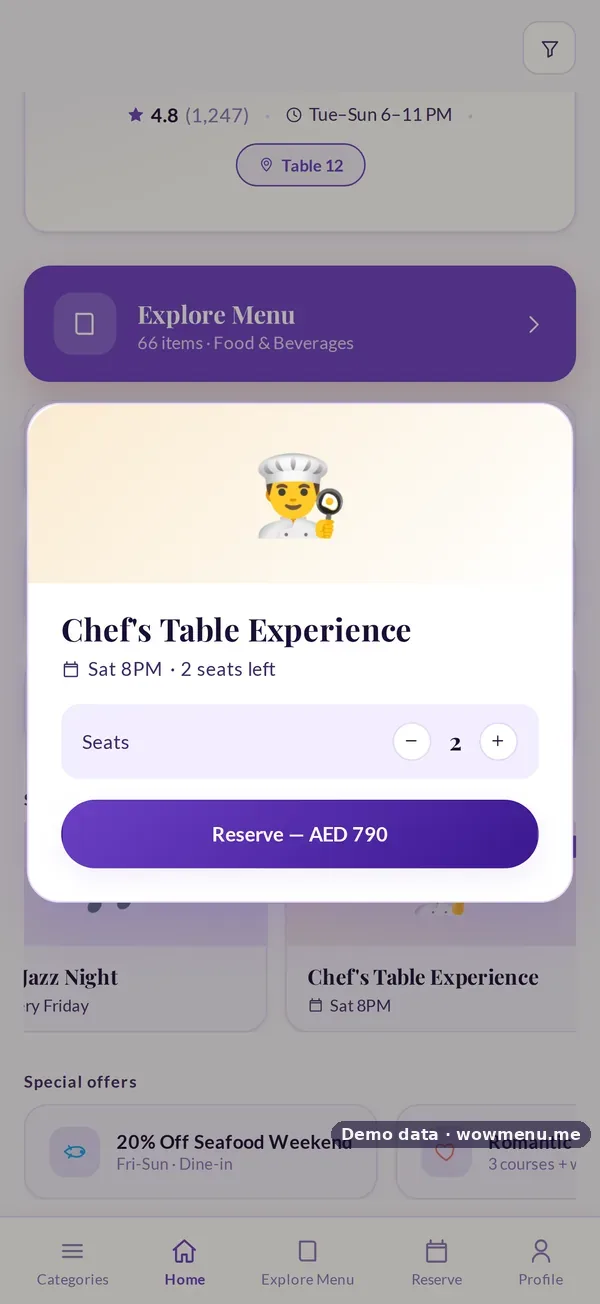
Events you create in the Owner Portal appear at the top of the guest's digital menu, from a weekly live music night to a monthly wine tasting. Ticketed experiences take prepaid seats: the guest picks the number of seats and pays to reserve.
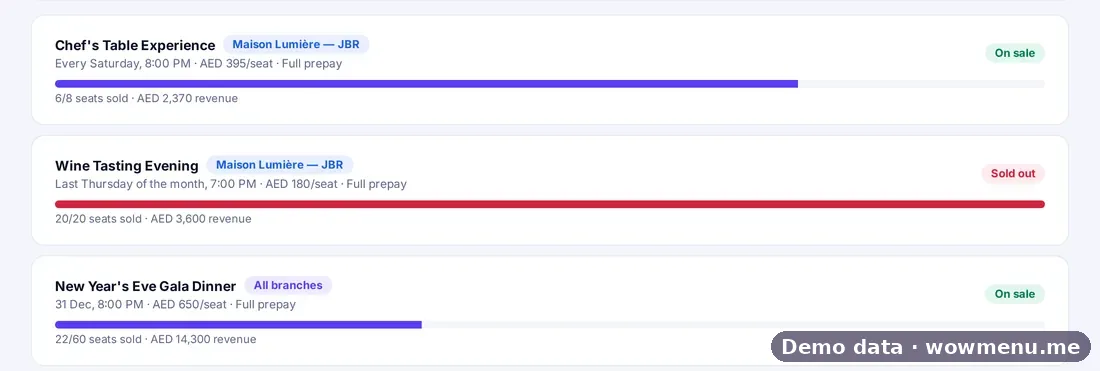
Prepaid experiences protect revenue the way a reservation deposit protects covers. The portal tracks seats sold, capacity and revenue per experience, applies sold-out logic, handles transfers and refunds by your policy, and lands the revenue in Billing. An experience can be branch-specific or marked for all branches.
Seat counts and revenue shown are the demo restaurant's.
Sell seats from the menu guests already have open
Events you create appear at the top of the guest menu. Ticketed experiences take prepaid seats, with sold-out logic and revenue landing in Billing.
Create the event, and it appears on the guest menu
Recurring nights and one-off experiences, each with a description, schedule and status.
Ticketed experiences take prepaid seats
Seats sold, capacity and revenue per experience, branch-specific or for all branches. Transfers and refunds follow your policy.
Key benefits
What Event Ticketing & Experiences does for your restaurant
Events on the menu
Recurring nights and one-off events at the top of the guest menu.
Prepaid seats
Guests choose seats and pay to reserve, with sold-out logic.
Revenue in Billing
Seats sold and revenue per experience, landing in Billing.
How it works
Create the event
Name, schedule, description and status, for one branch or all.
Make it ticketed
Set the price per seat and capacity.
Guests reserve and pay
From Special Events on the menu.
Track and settle
Seats sold, sold-out status and revenue; transfers and refunds by policy.
Frequently asked
Where do guests see events?
At the top of the guest's digital menu, under Special Events.
Can guests pay for seats?
Yes. Ticketed experiences take prepaid seats.
What happens when an event sells out?
Sold-out logic stops further bookings.
Can one event run across branches?
Yes. Mark it for all branches, or keep it branch-specific.