Running One Menu Across Many Branches Without Losing Local Flavour
A restaurant group wants one menu to manage, one set of photos and one place to fix a typo. Each branch wants to be itself: its own prices, its own specials, its own guests. The answer is a central menu with deliberate room for local differences.
What stays central
- Dishes, descriptions, photos, tags and allergens
- Sizes, add-ons and pairings
- Themes and brand, so guests recognise you everywhere
- Loyalty, so points and tiers count in every branch
What each branch controls
- Prices and currency, where branches are in different markets
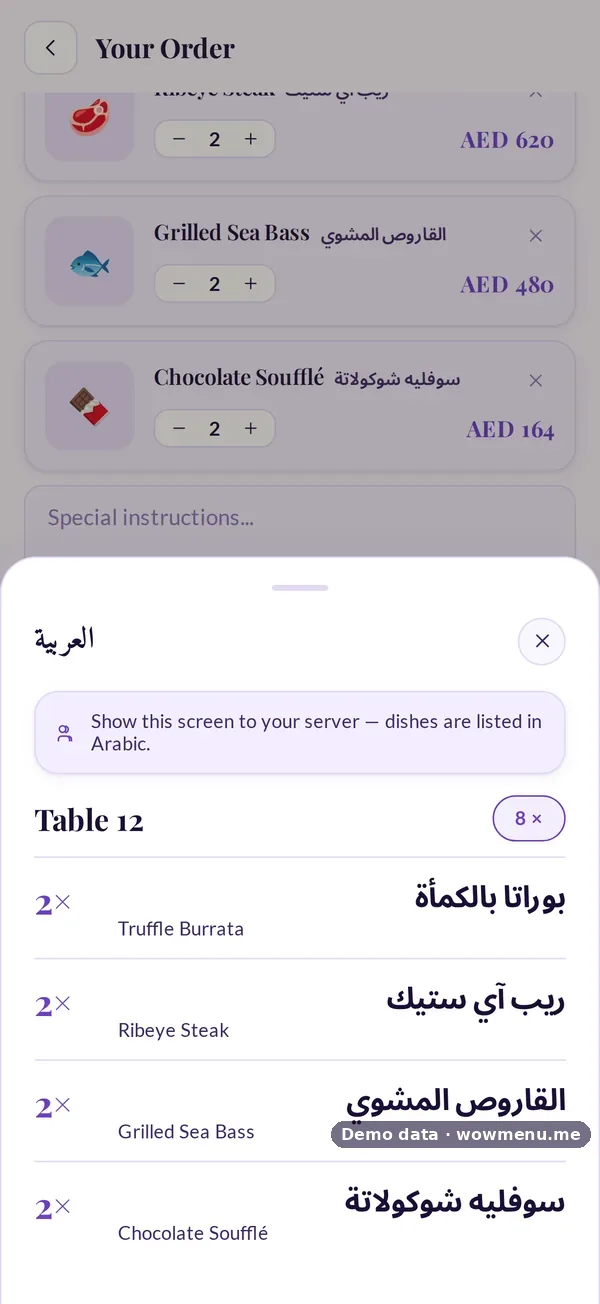
- Languages, to suit local guests
- Dishes on or off, for branch-only specials or a missing kitchen station
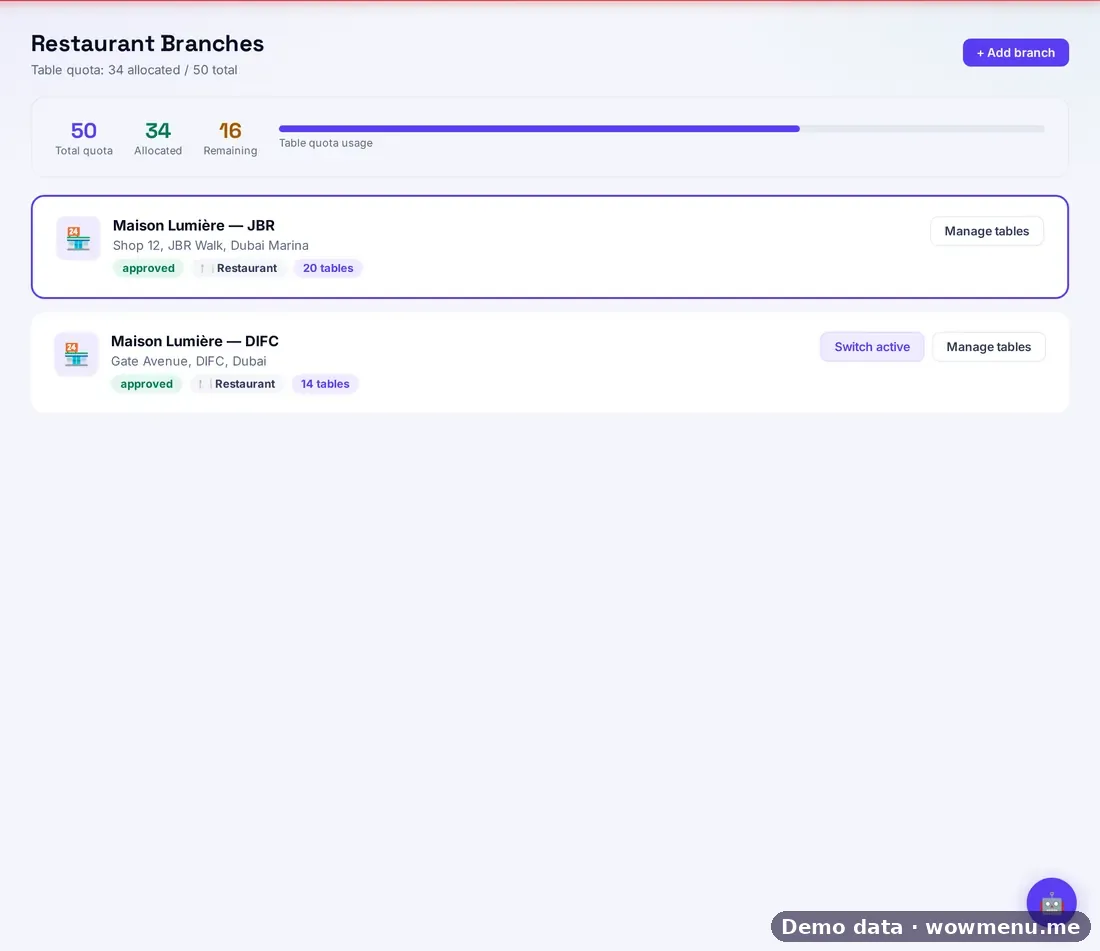
- Tables, QR codes and hours
- Billing identity, with its own legal details and tax profile
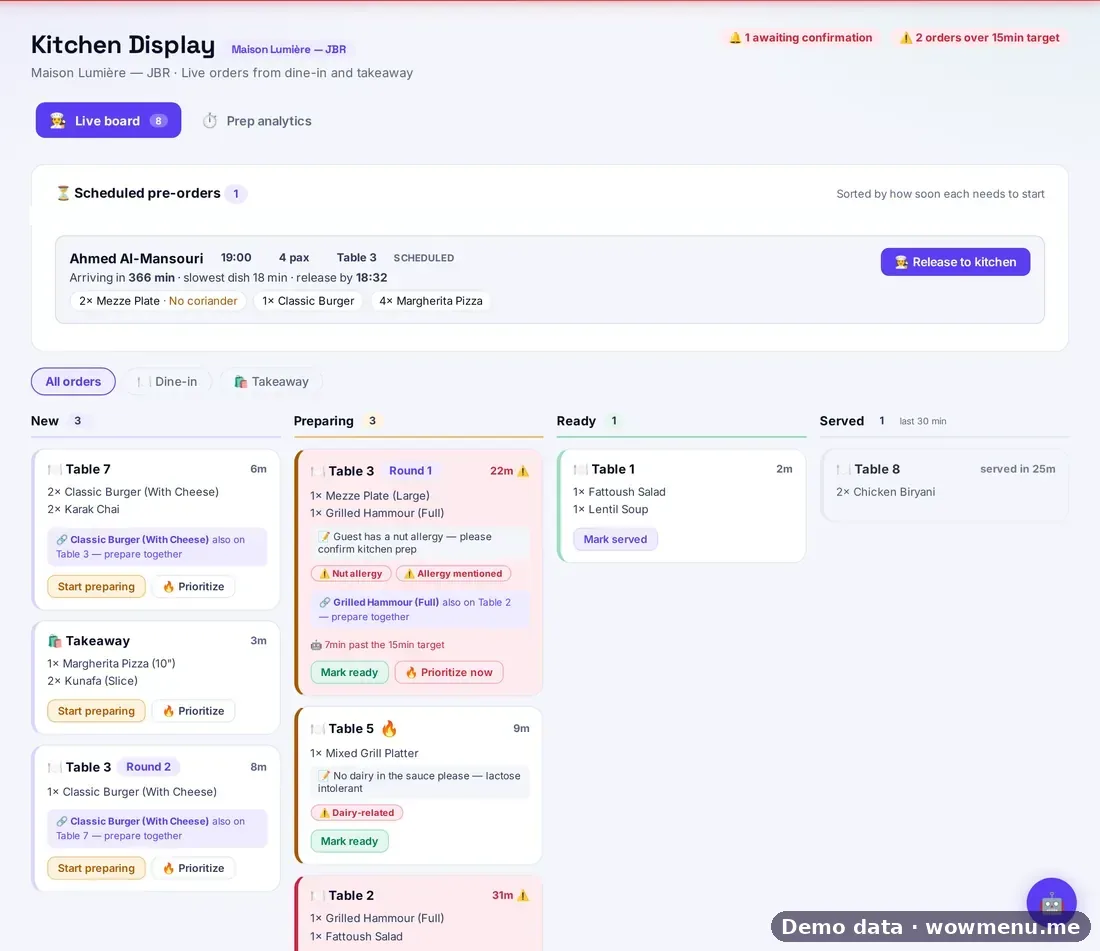
- Shift rules, pacing and the waitlist
- Events, either branch-specific or for all branches
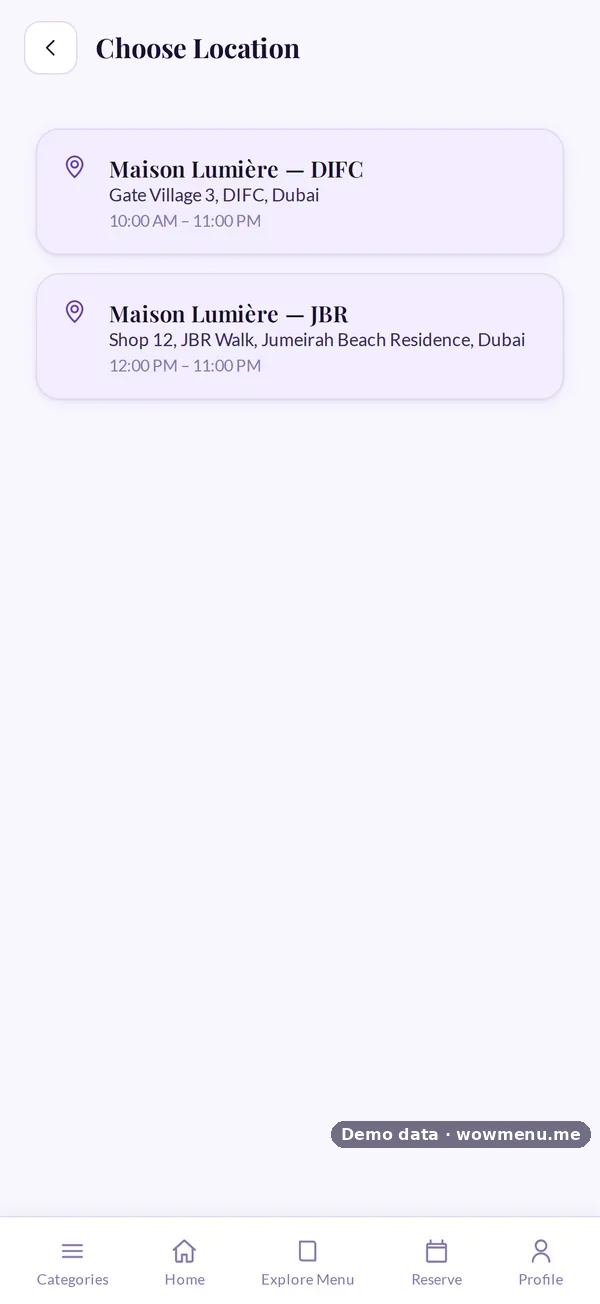
The guest sees one restaurant
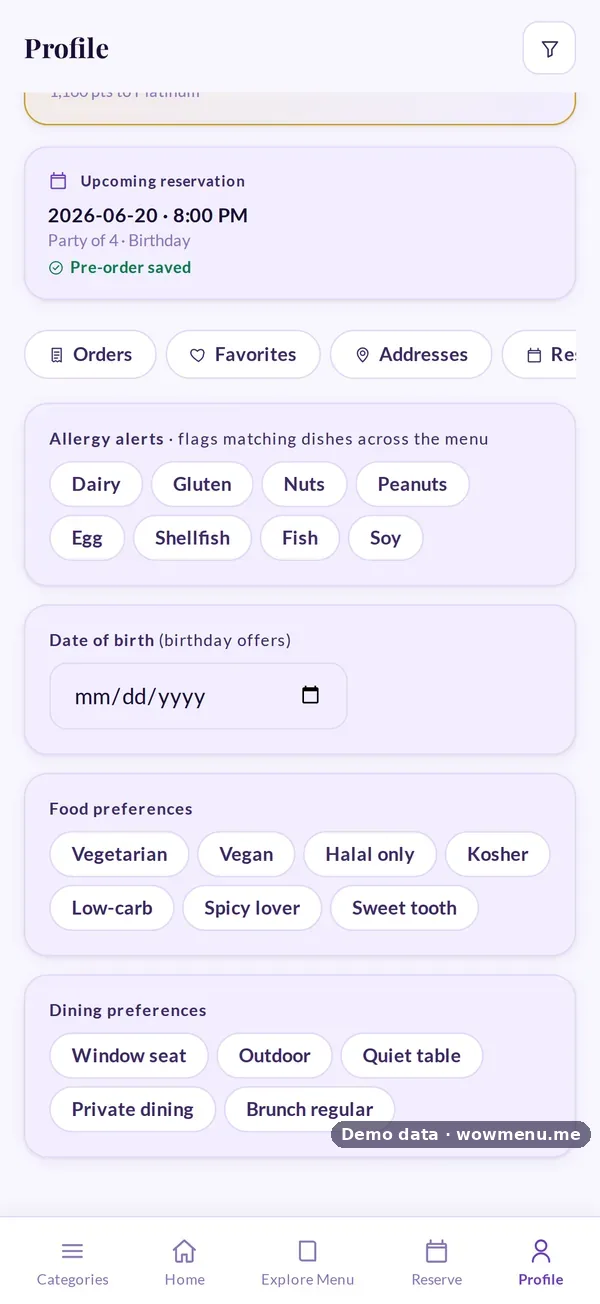
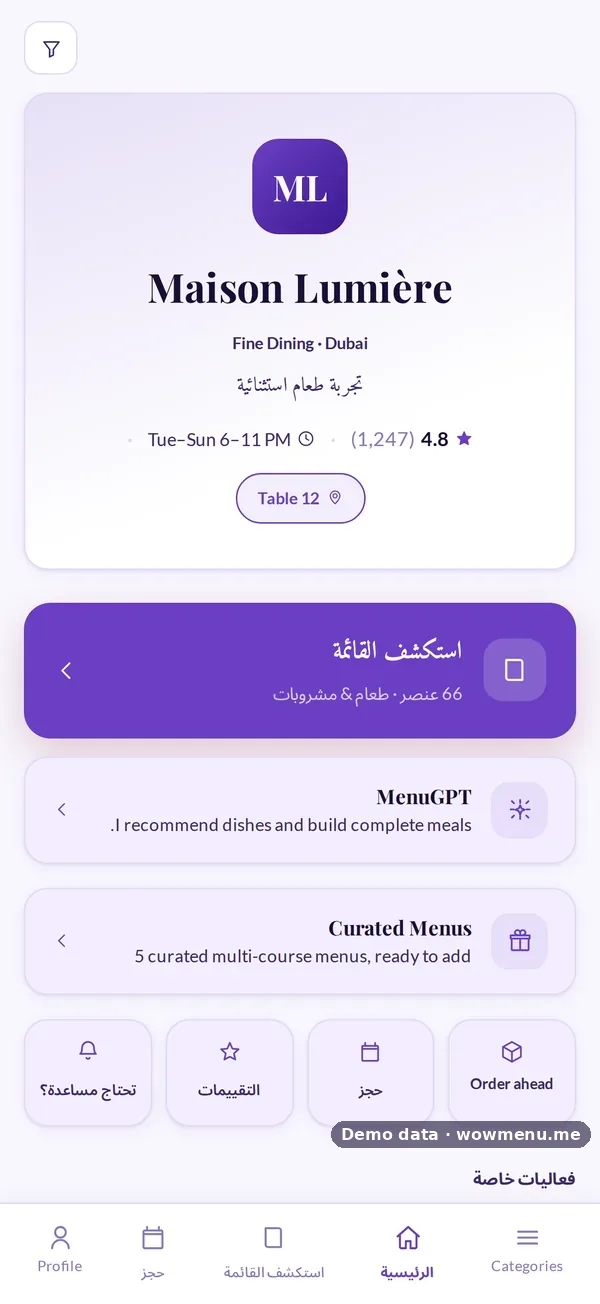
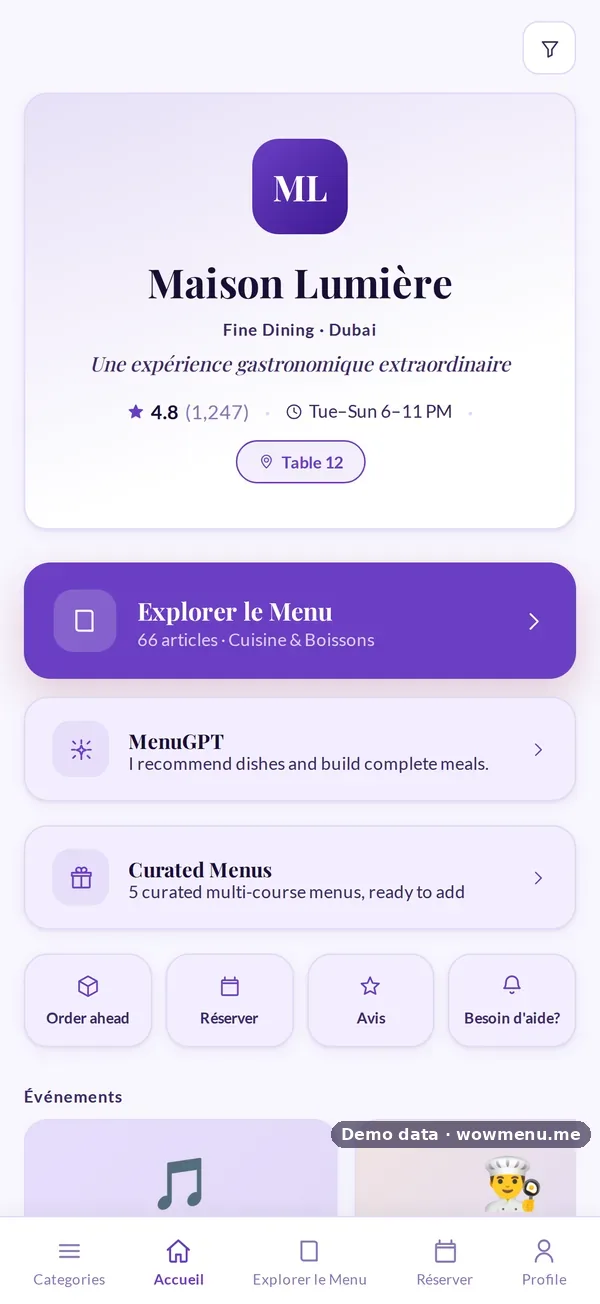
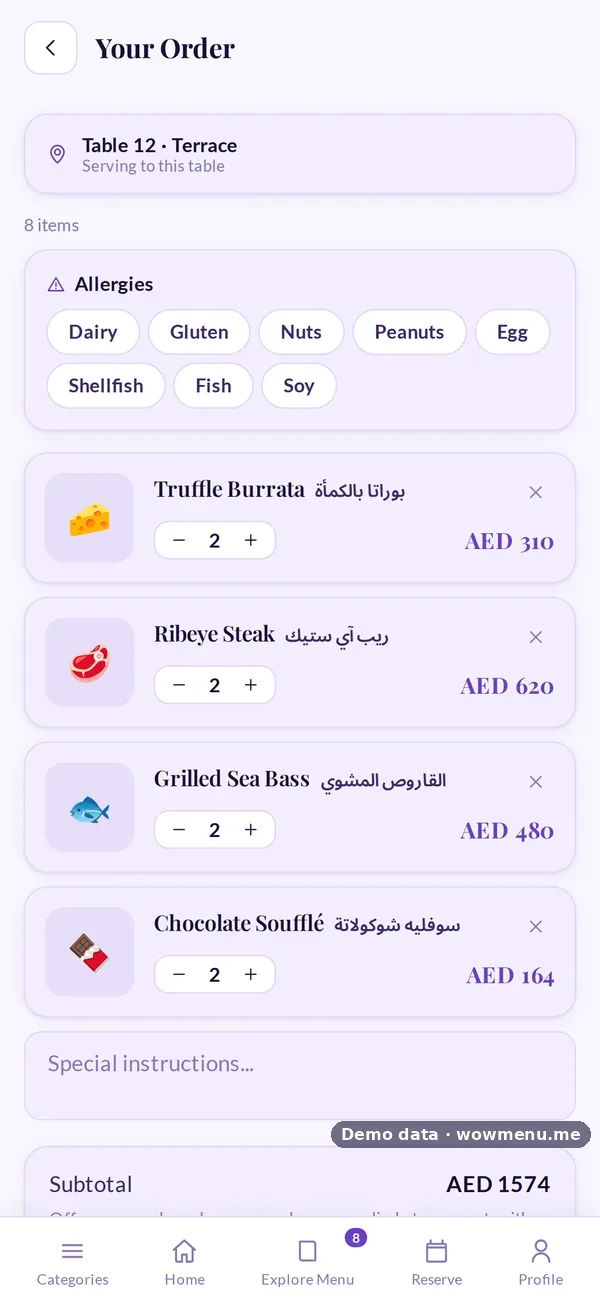
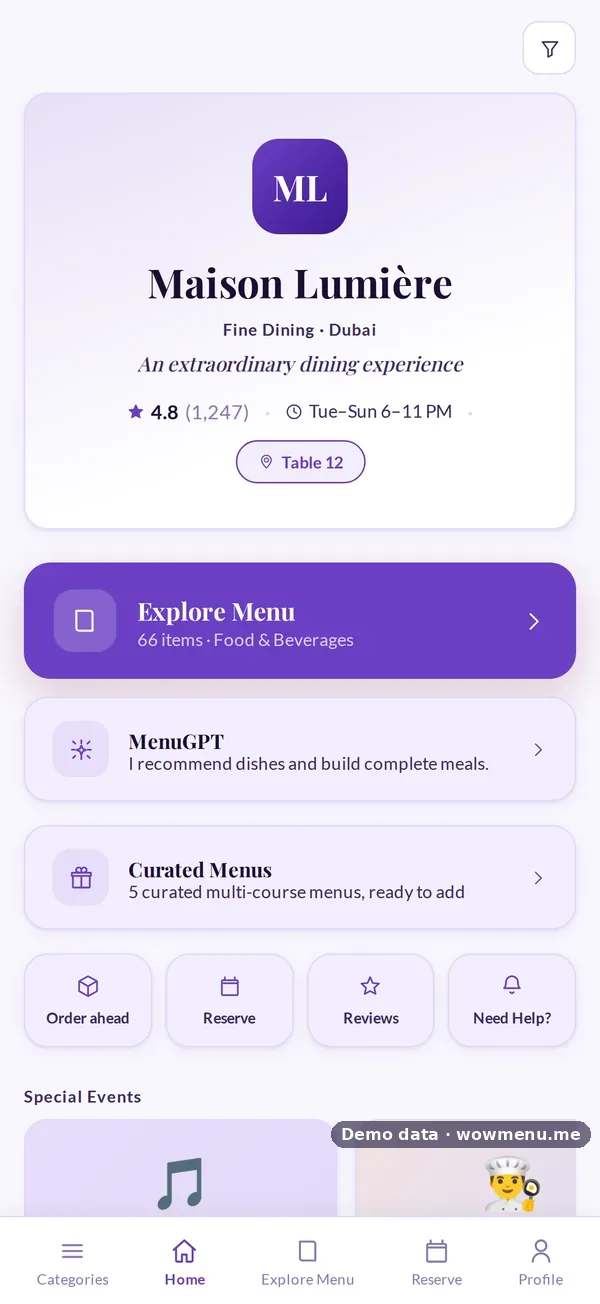
For dine-in, the table's QR code opens the right branch. For order ahead, the guest picks the branch to collect from. Either way, they sign in once and keep one profile, with allergies and points that follow them everywhere. One guest profile across branches.
Reporting that compares fairly
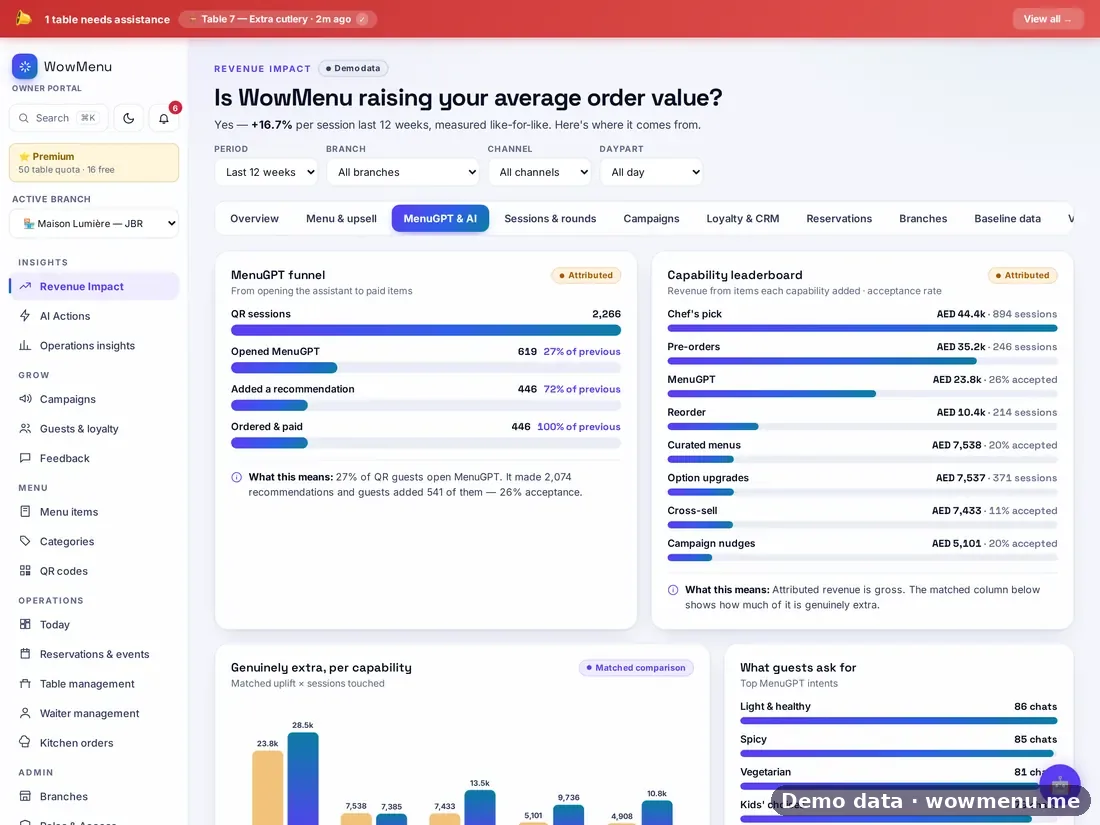
Compare branches like for like: by day, daypart and season, not by raw totals. Multi-branch consolidated analytics are on Suite, and Revenue Impact compares each branch with its own baseline.
Common mistakes
- Letting branches copy the menu, so twelve versions drift apart
- Centralising everything, so local specials have nowhere to go
- Separate loyalty per branch, which punishes your most loyal guests
- Comparing a city-centre branch with a suburban one on raw totals
Getting started
Build the central menu first, then switch on branch-level prices, languages and specials. Add one branch at a time and check its QR codes, billing identity and hours before going live.