← Back to blog
TechnologyQR Ordering With Your EPOS: What Changes for Your Team
By the WowMenu team · Published Oct 12, 2026 · 6 min read
For most restaurants, the EPOS is the one system nobody wants to touch. The till, the card terminals, stock, reporting and the end-of-day routine all live there, and the team knows it by heart. The good news is that adding QR ordering does not mean replacing it.
What stays in your EPOS
- The till and card terminals
- Stock and recipes
- Sales reporting and end of day
- Your back-office routine
What the QR menu adds
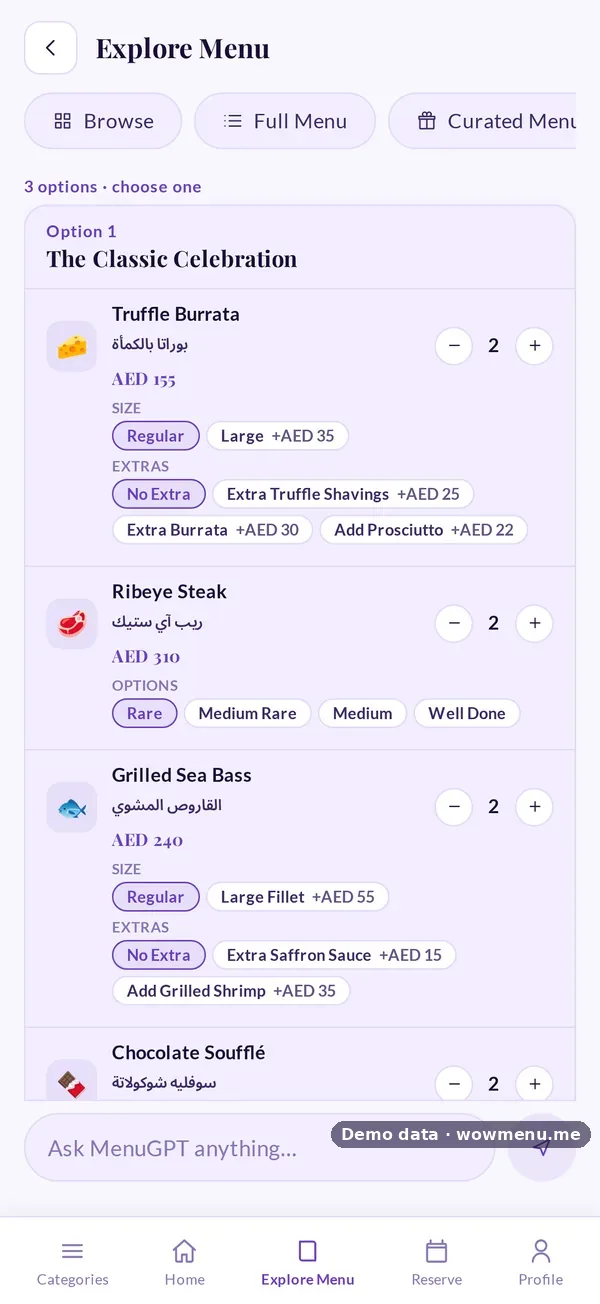
- A menu guests read in their own language, with MenuGPT recommendations
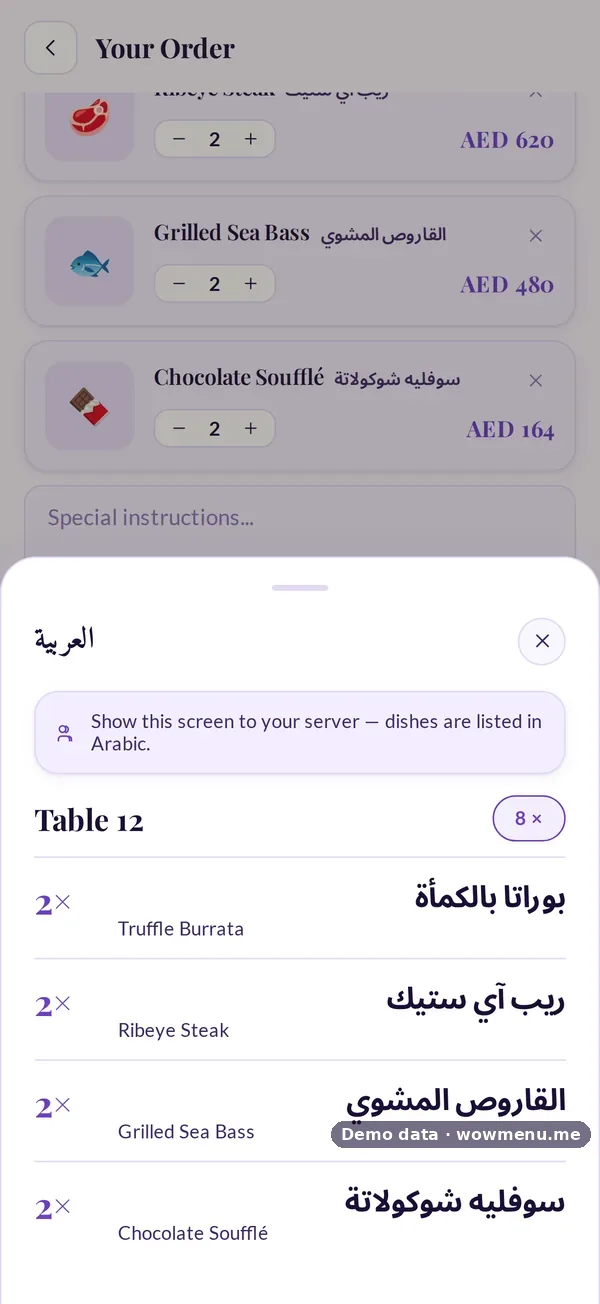
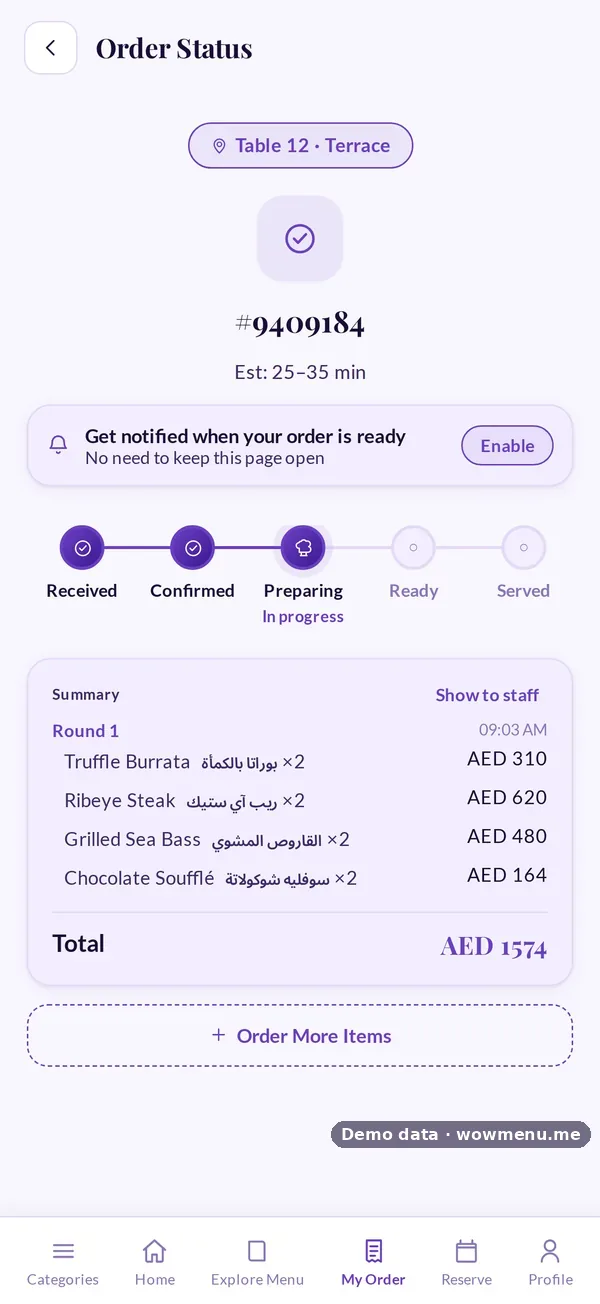
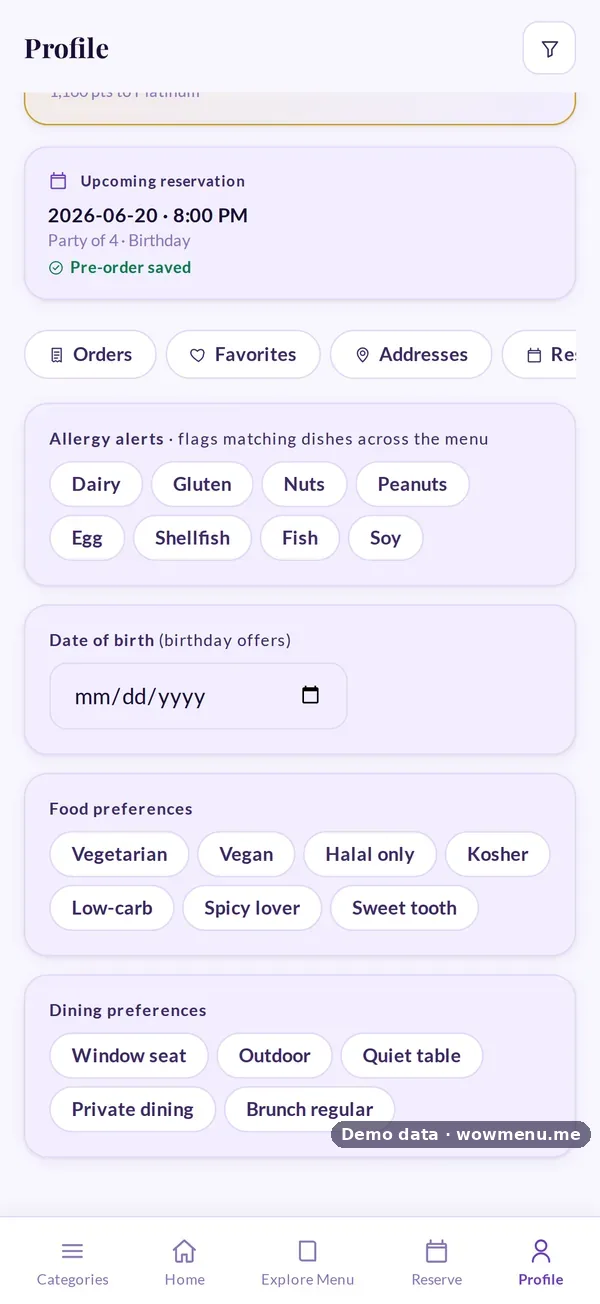
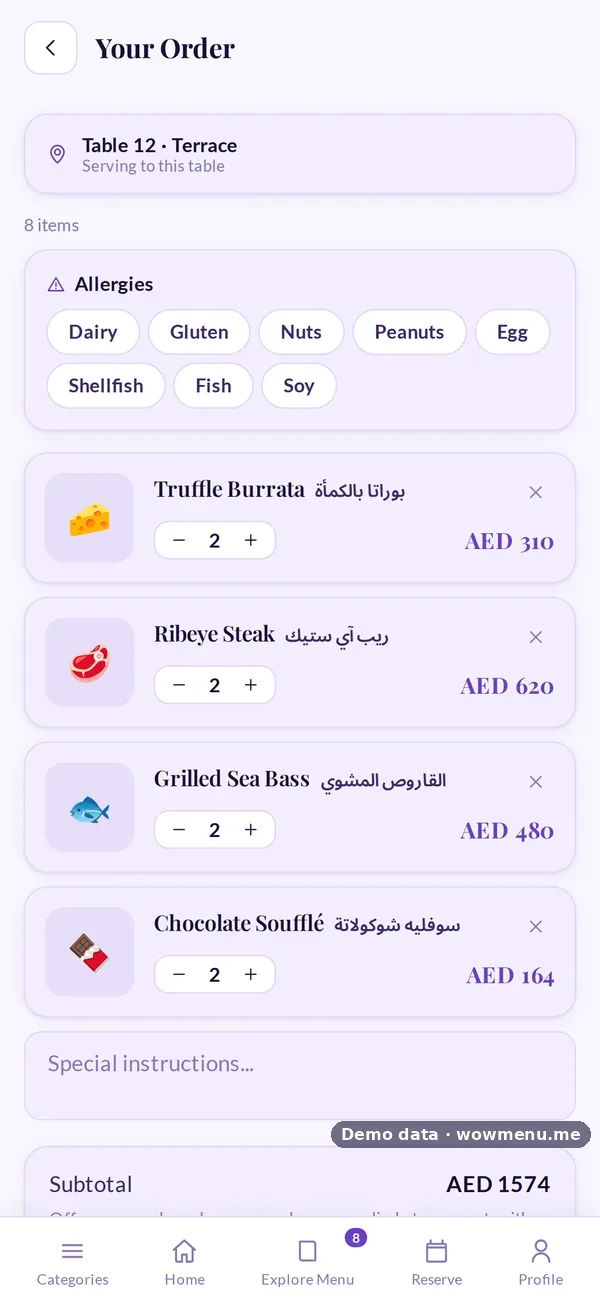
- Ordering from the table, in rounds, with notes and allergies
- Paying from the table and splitting the bill
- Loyalty, campaigns and win-back
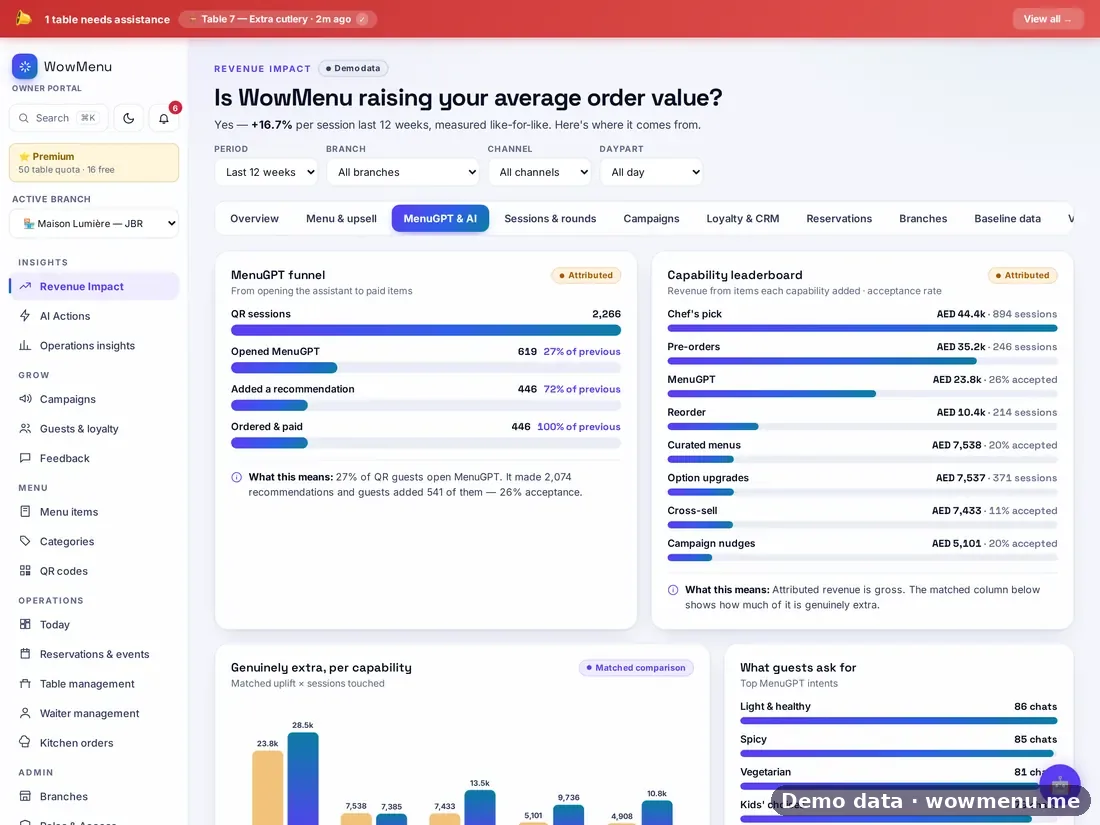
- Revenue Impact, measured against your own baseline
How orders flow in
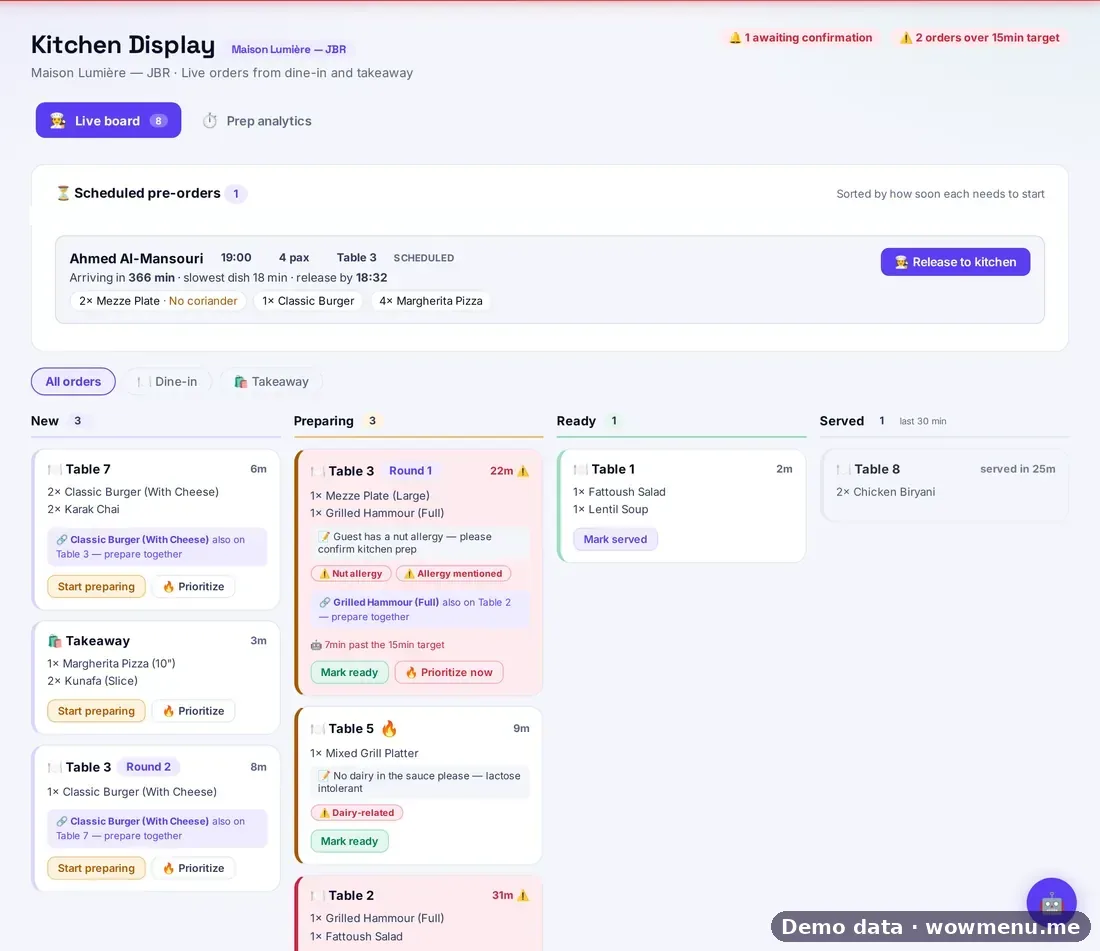
When a guest orders from the QR menu, the order reaches your EPOS, with no double entry. WowMenu supports Square, Lightspeed and Foodics, with custom API access on Enterprise.
Setting it up
- Connect your EPOS in Integrations and add your credentials.
- Map items: match WowMenu dishes to EPOS item IDs.
- Test with a few orders before service.
- Check the log: every sync appears in the activity and API usage logs.
What changes for the team
- Servers take fewer orders and spend more time with guests. Orders they do take land on the same board.
- The kitchen gets complete tickets on a display, with allergies flagged.
- Managers close the day in the EPOS as before.
A sensible rollout
Start with one section or one daypart, run it for a week, and check the sync log each day. Then extend to the whole room. See works with your EPOS and POS integration.
SEE IT IN WOWMENU